I Gave AI Full Control Over My GTM Containers
Here's what happened.
The Problem Nobody Talks About
Marketing tracking breaks silently.
A developer changes a phone number. Someone removes a tag. Your CMP pushes an update. Consent Mode blocks everything.
You find out weeks later. When the data looks "weird." Or when a client asks why conversions dropped.
By then? You've been making decisions based on lies.
That campaign you killed? Might have been your best performer. That audience you scaled? Might be phantom conversions. That ROAS you reported? Could be 40% off.
I got tired of playing detective.
So I built something different.
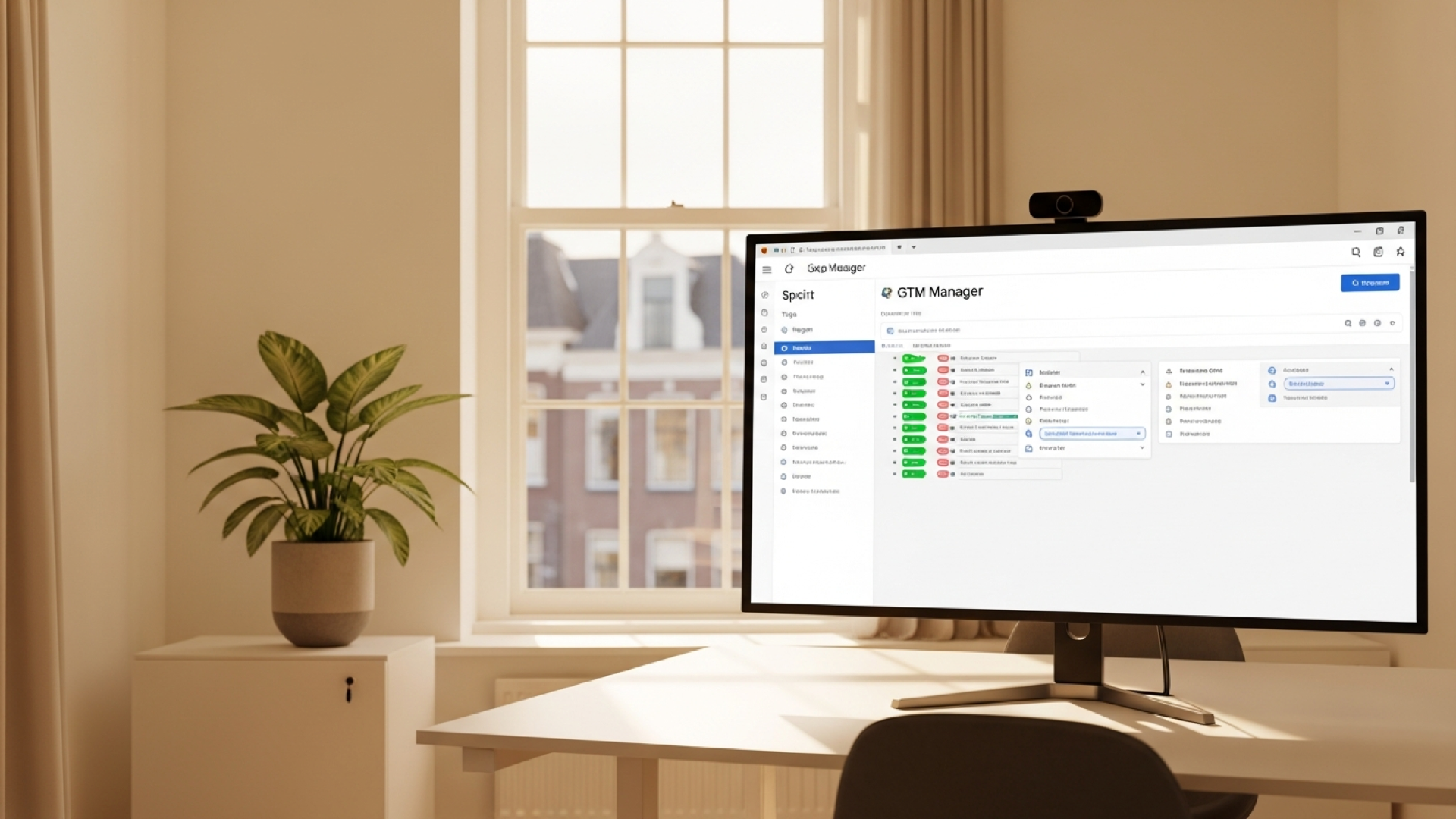
What Is Tracking DOE?
Tracking DOE is an open-source system that gives AI full control over your GTM containers.
Not just read access. Full control.
The 8 things it can do:
- Validate - Health check all your clients' tracking
- Audit - Full GTM container analysis (tags, triggers, variables, consent)
- Debug - Find why conversions aren't working
- Onboard - Analyze any website and create monitoring config
- Report - Generate shareable HTML reports
- Setup/Modify - Create and update GTM via natural language
- Knowledge - Search solved problems (never fix the same thing twice)
- Detect Changes - Know when someone touches your container
Platforms supported:
- GA4
- Google Ads
- Meta Pixel
- TikTok
- Consent Mode v2
- Server-side GTM
The Architecture That Makes It Work
Tracking DOE is built on the DOE architecture: Directive-Orchestration-Execution.
Layer 1: DIRECTIVES
SOPs written in Markdown. Tell the AI what to do.

Layer 2: ORCHESTRATION
Claude Code reads directives, makes decisions, routes tasks.

Layer 3: EXECUTION
Python scripts do the actual work. Deterministic. Reliable.
The key insight:
AI is probabilistic. Code is deterministic.
So AI does the thinking. Scripts do the work.
90% accuracy per step = 59% success over 5 steps. Push the execution into code. Let AI focus on decisions.
How To Install (10 Minutes)
Prerequisites
- Claude Code (VS Code or Cursor extension)
- Python 3.11+
- Google account with GTM access
Step 1: Download the files
https://bit.ly/3NmJpb5. < Download here
Step 2: Open the folder in VScode
Step 3: Install Dependencies
'Hey, can you install the dependencies of this project?'
Step 5: Add Your First Client
'Hey, can you create a new project folder for a client of mine?'
Step 6: Test It
'Hey, can you check the GTM container of CLIENT?'
What You Can Ask Claude Code
Once installed, just talk to it:
→ "Audit my GTM container" → "Setup GA4 e-commerce tracking" → "Why aren't my conversions tracking?" → "Compare staging vs production" → "Check all clients" → "Generate a report for [client]"
Claude reads the directives, uses the scripts, and gives you answers.

Automated Monitoring (GitHub Actions)
Want 24/7 monitoring? Set up GitHub Actions.
The workflow runs scheduled checks:
- Health check all clients
- Validate data flow with real browser
- Detect GTM container changes
- Send Telegram/Slack alerts
- Create GitHub issues for critical problems
Setup Notifications
Add these secrets to your GitHub repo:
| Secret | Description |
|---|---|
TELEGRAM_BOT_TOKEN |
Create via @BotFather |
TELEGRAM_CHAT_ID |
Your chat ID |
SLACK_WEBHOOK_URL |
Optional Slack webhook |
Now you get pinged before clients notice.
The Self-Learning Loop
This is the part that compounds.
When something breaks:
- Fix it - Solve the problem
- Update the script - So it handles this case
- Update the directive - So AI knows the new flow
- Log the learning - In the knowledge base
The system gets stronger every time.
You never solve the same problem twice.
After 6 months, it's solved problems you didn't know you had.
Customizing With ChatGPT/Claude
Don't know Python? No problem.
Take the template scripts. Paste them into ChatGPT or Claude. Say:
"I need to monitor these events on my site: [list events]. My consent banner selector is [selector]. My GA4 ID is [ID]. Update this script for my setup."
AI writes the config. You paste it in. Done.
Who Is This For?
Marketers who manage multiple clients and want automated QA.
Agency owners who need SLA compliance and client reports.
Technical marketers who want to stop playing tracking detective.
Anyone tired of finding out tracking broke... weeks later.
Get The Template
Free download. MIT license. Use it however you want.
What's included:
- Full directory structure
- All Python scripts
- Directive templates (SOPs)
- GitHub Actions workflow
- Client config templates
- Knowledge base starter
Requirements:
- Claude Code (VS Code/Cursor)
- Python 3.11+
- 10 minutes to set up
Download here: https://bit.ly/3NmJpb5
